Make the details part of the picture
Read the camera model, focal length, aperture, shutter speed and ISO from your photo. Fill in camera details automatically, then edit them as you like.
35mmf/1.81/250sISO 100
FOR EVERYONE WHO LOVES PHOTOGRAPHY
A photograph. A moment in the light.
Add a frame, camera details and your own signature.
Leave a thoughtful note on the world you see.
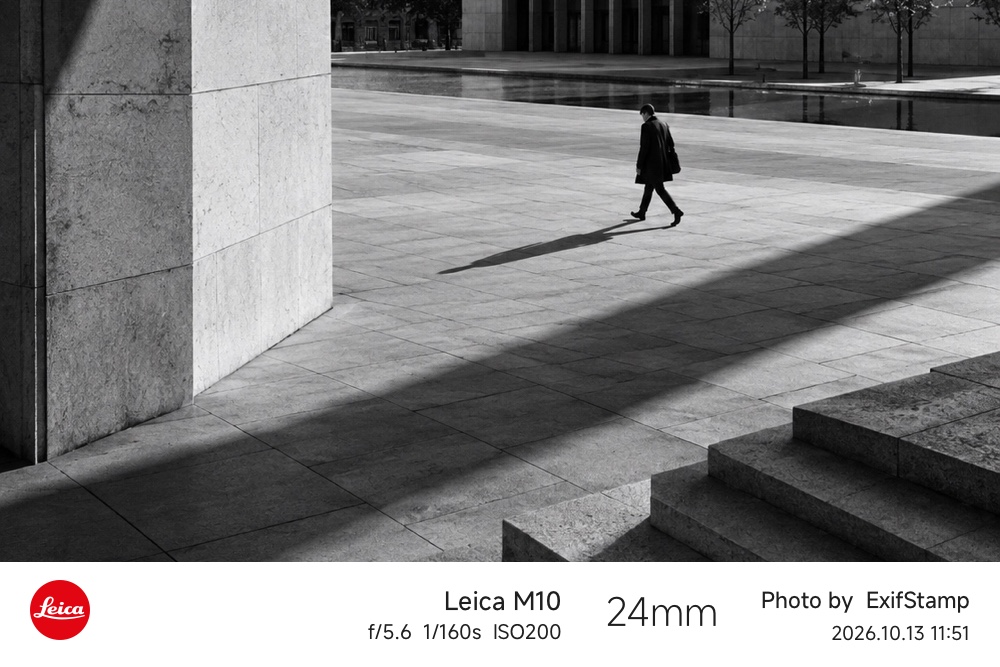
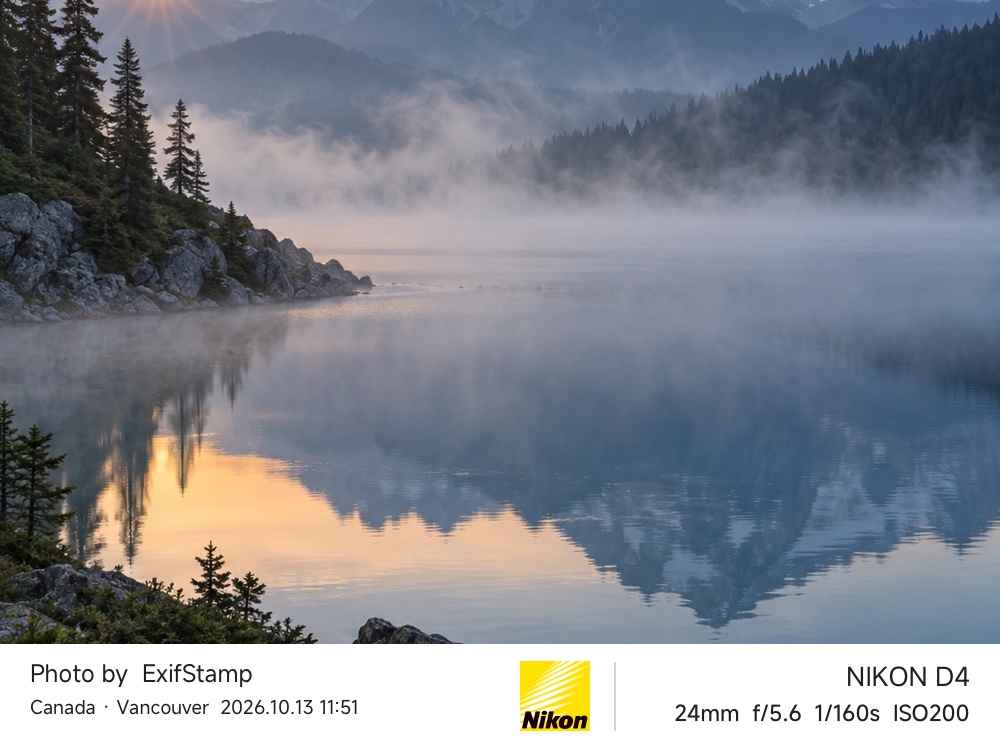
Designed with care
From minimal to editorial
Available in the app
Photos processed on your device
THE COLLECTION / 01
From a line of camera details to a whole page of stories.
Find the right expression for every photograph.
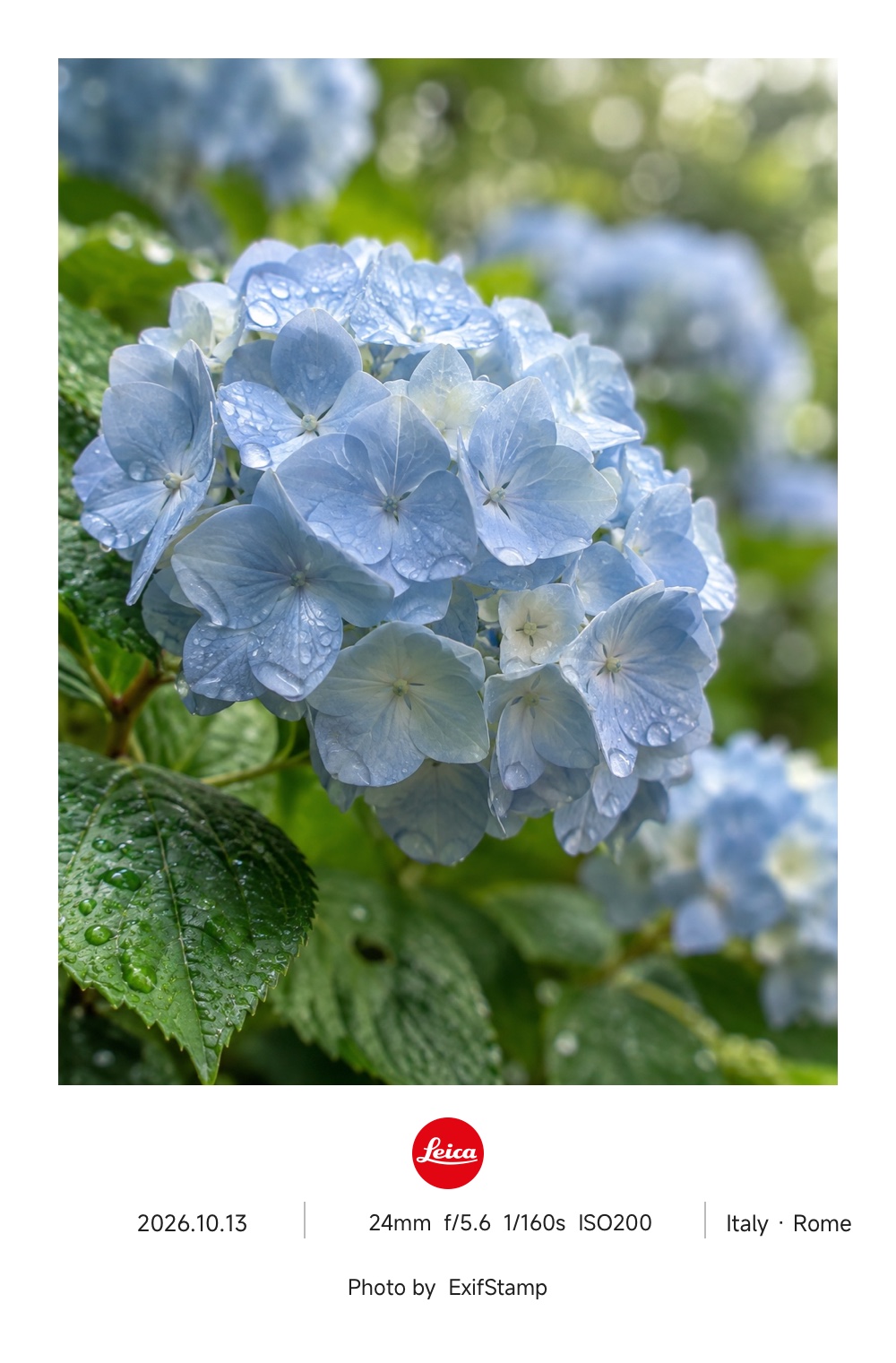
Selected examples rendered by the app · Browse all 32 templates in ExifStamp
MADE FOR YOUR PHOTOS / 02
We take care of the layout.
You bring your point of view.
Read the camera model, focal length, aperture, shutter speed and ISO from your photo. Fill in camera details automatically, then edit them as you like.
Keep the original ratio or choose square, 4:5 or 9:16, with cropping or blurred borders. Photo paper, film and gallery frames give every image its own character.
Add your signature, a title, date or place. Choose a built-in camera brand logo, type your own text or use a custom image logo.
Your photo. Your expression.Pair two photos or arrange three, six or nine images to capture a trip or a day in your life. Swap pairs or shuffle multi-photo layouts.
Collages & editorial layoutsSave, share and batch-export original-resolution PNG artwork using a free template or any Pro template you have unlocked. Follow the progress, pause when needed and save each photo to your system photo library.
ExifStamp ProPhotos are processed on your device, with no account required. The current app has no ads, analytics SDKs or photo-upload feature.
Read our privacy policyYOUR NEXT CREATION / 03
Choose one photo you love, or a collection of moments, using the system photo picker.
Pick a template, adjust the ratio, frame and camera details, then add your own signature.
Save to your photo library, share your artwork or finish an entire batch. Pro unlocks all templates.
GOOD TO KNOW / 04
Have another question?
Write to us and tell us what's on your mind.
ExifStamp supports compatible iPhones running iOS 15 or later and iPads running iPadOS 15 or later. The app offers 12 interface languages, including English, Simplified Chinese, Traditional Chinese and Japanese.
You can browse all 32 template examples. Three templates are free to edit, save, share and batch-export; the other 29 require ExifStamp Pro before use. Weekly, monthly, annual and lifetime plans are available; actual plans and prices are shown in the app and Apple's purchase confirmation.
The current app reads and processes selected photos on your device and has no photo-upload feature. Purchases and purchase restoration connect to Apple services. When you choose to share artwork, the recipient handles it under its own policy. Read our Privacy Policy.
Yes. If camera details are missing, you can enter the device model, exposure settings, date and place yourself, or choose a minimal signature, frame or collage template.
PNGs saved to your photo library retain major EXIF details and any existing GPS data from the original. Editing or hiding the visible location watermark does not remove GPS data from the file. Before sharing, use system tools or another tool to check and remove location metadata if needed.
Sign in with the Apple Account used for your purchase and choose Restore Purchases on the app's Pro screen. To cancel a subscription, go to Settings → Apple Account → Subscriptions on your iPhone or iPad. See Apple's official instructions. Deleting the app does not cancel a subscription, and buying the lifetime plan does not automatically cancel an existing subscription.
KEEP IN TOUCH
A feature idea, a question, or a thought about creating.
We'd love to hear from you.

Frame the light. Keep the details.
zpf772593693@gmail.comComing soon to the App Store · Made for iPhone & iPad